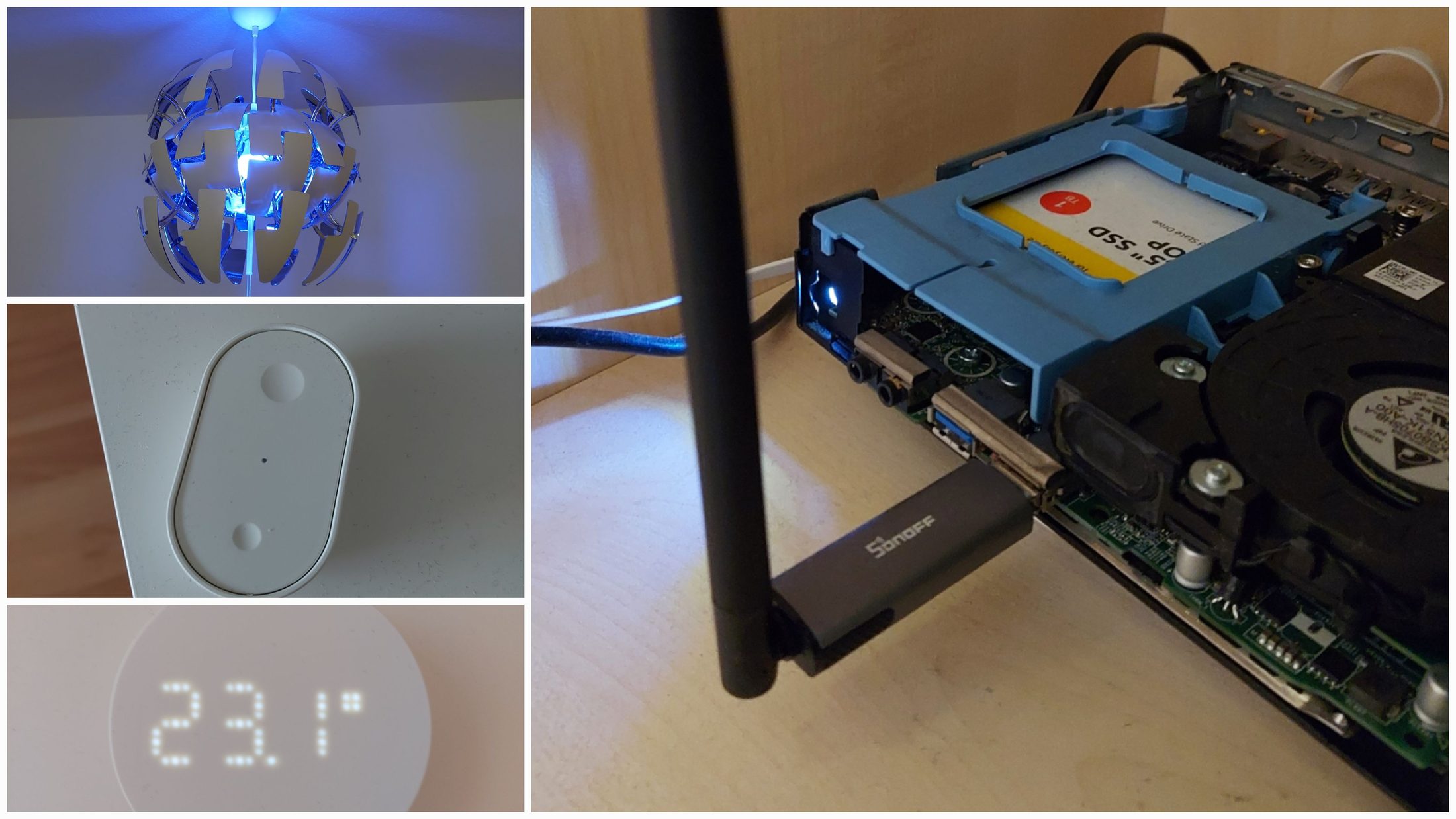
My Smart Home with Home Assistant and IKEA Matter Devices
In January 2026, IKEA launched a new line of smart home devices that use the Matter standard instead of Zigbee. Since Matter is generally considered the more modern ecosystem, the timing worked out perfectly for me: I had just bought a small home server with the goal of running my own self-hosted smart home setup. (I wrote about setting up the server itself here.)
An Expensive IKEA Trip
IKEA's Matter lineup immediately looked promising, mainly because the devices are relatively affordable compared to many other Matter products. The biggest advantage for me, though, is that everything works directly with Home Assistant. Since Matter is an open standard, the official IKEA smart home hub is completely optional if you already run Home Assistant yourself.
All communication happens locally on the network without relying on external cloud services, which was one of the main reasons I wanted this setup in the first place.
So my roommate and I got into her aging Renault Twingo and drove to the nearest IKEA to stock up on smart bulbs, switches, smart plugs, and sensors. We ended up spending a slightly uncomfortable amount of money considering we still had no idea whether any of this would actually improve our daily lives.
One concern we both had was reliability. A smart home quickly becomes annoying if basic things like turning on the lights stop working whenever the server has issues. Fortunately, the devices still behave sensibly even without Home Assistant running. The bulbs turn on automatically once they receive power again, which means they can still be controlled using their original wall switches. The downside is that after a power outage, every lamp turns on at once, but overall I much prefer this behavior over completely losing manual control.
The only feature that really depends on the smart home integration is dimming, since IKEA currently does not offer dedicated Matter remotes for these devices.
Thread Dongle
The IKEA devices communicate using Matter over Thread. Thread is the low-power mesh networking protocol underneath Matter, and to connect Thread devices to Home Assistant, the server needs a compatible Thread Border Router.
In practice, this meant buying a USB dongle with firmware that supports Thread networking.
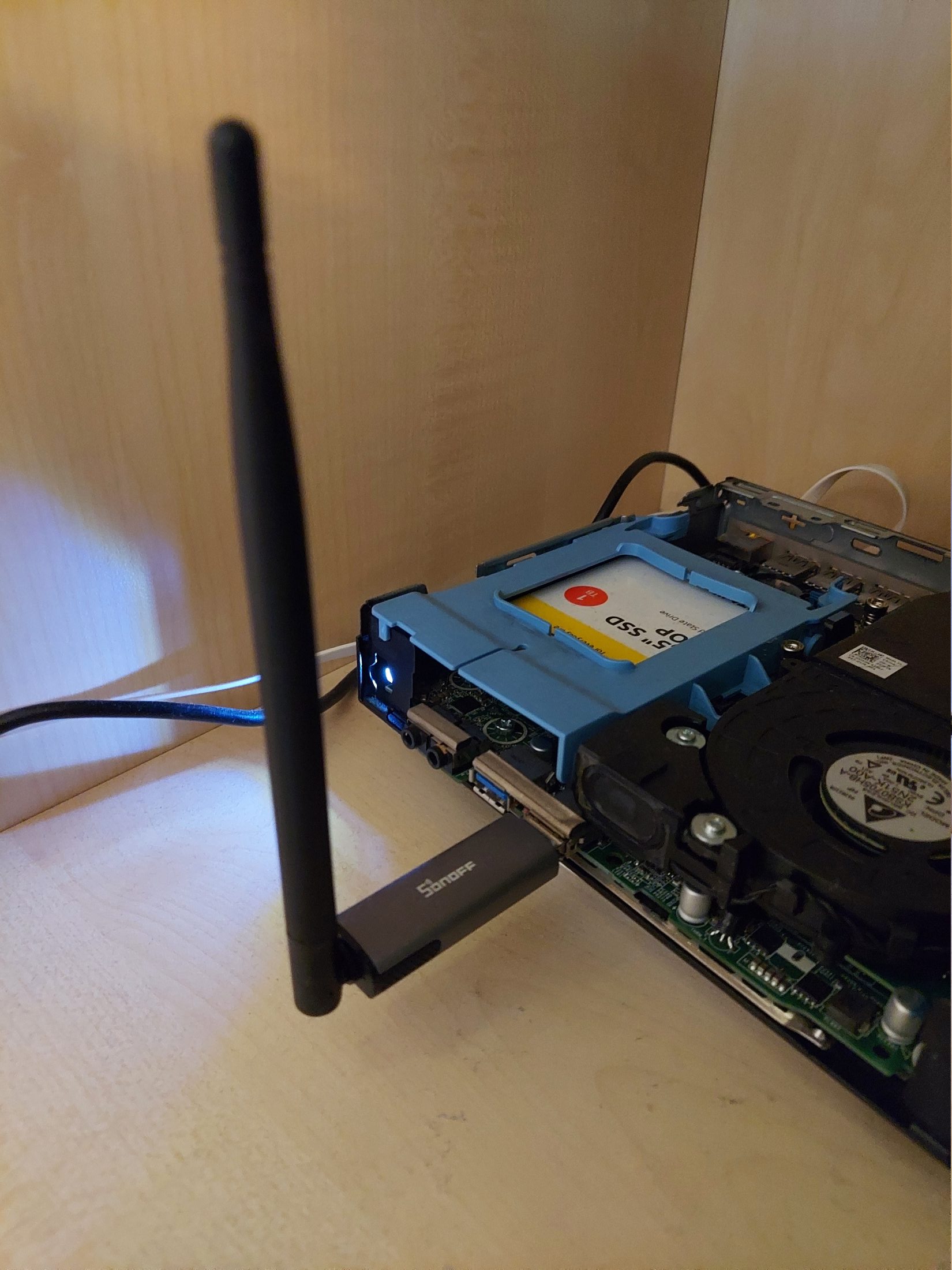 The Thread dongle I bought for my home server.
Matter over Thread in Home Assistant
To get everything working in Home Assistant, two services are required:Matter Server for Matter support itself, and OpenThread Border Router to communicate with Thread-based devices through the dongle.
Without the latter, Home Assistant can still connect to Matter-over-WiFi devices, but IKEA's current lineup relies entirely on Thread.
To flash the correct firmware onto the dongle, I used the Sonoff Dongle Flasher add-on directly inside Home Assistant. Since the USB device was already passed through to the virtual machine, this ended up being by far the easiest option. It also means future firmware updates can be done remotely.
Our Devices
Lamps
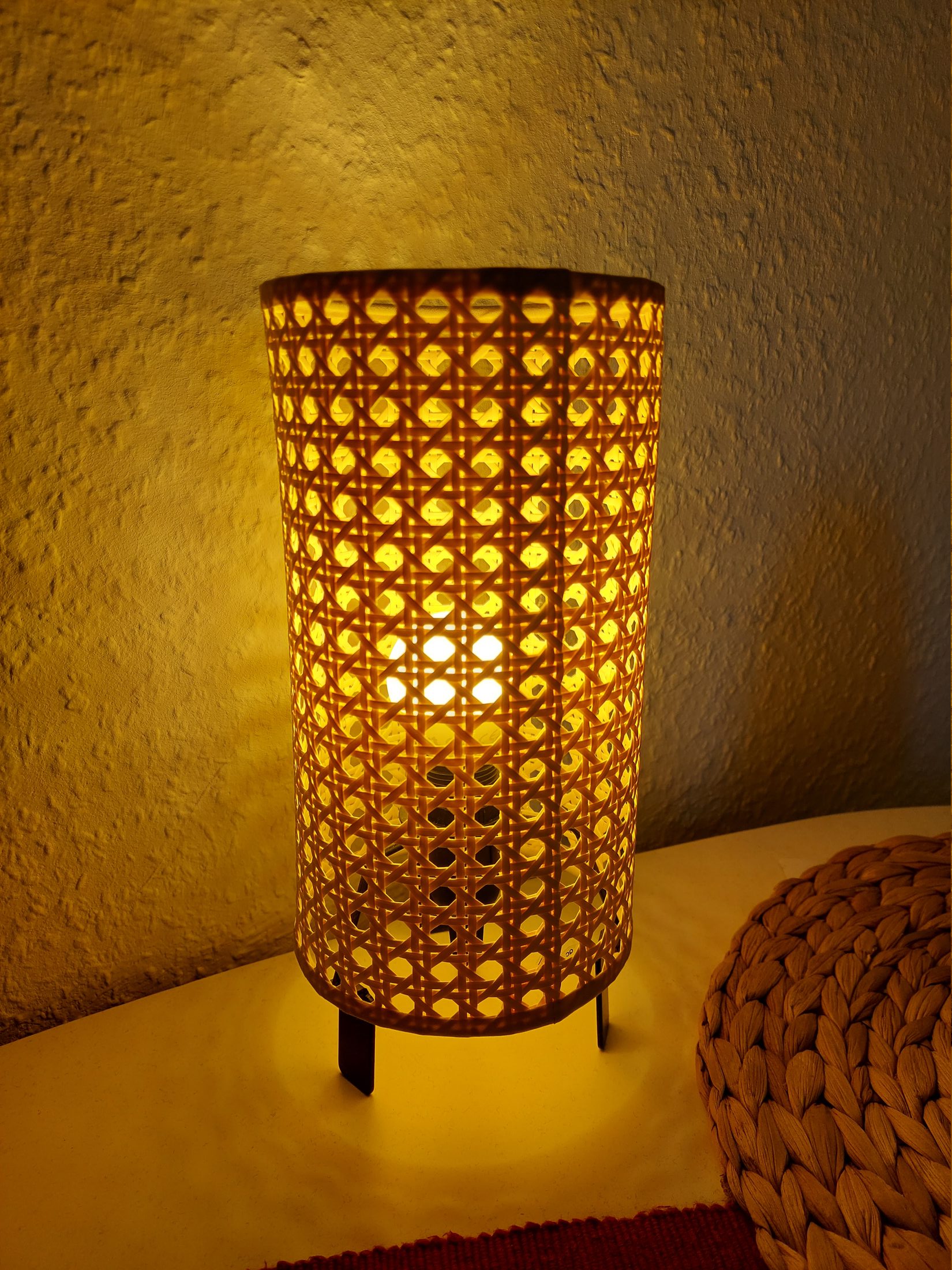
The KAJPLATS bulb series comes in several brightness and color variants. The brightest models are available only in white tones rather than RGB, which made them better suited for some ceiling fixtures where brightness mattered most. For most other rooms, though, we went with RGB bulbs.
More than a year after moving into our apartment, we still somehow did not have a proper ceiling light in the living room. During the IKEA trip we spontaneously decided to fix that.
The lamp design is very clearly inspired by the Death Star from Star Wars, and as if that wasn't already questionable enough, we picked the version with a reflective silver interior because it somehow fit the room surprisingly well. Against all odds, we are still very happy with that decision.
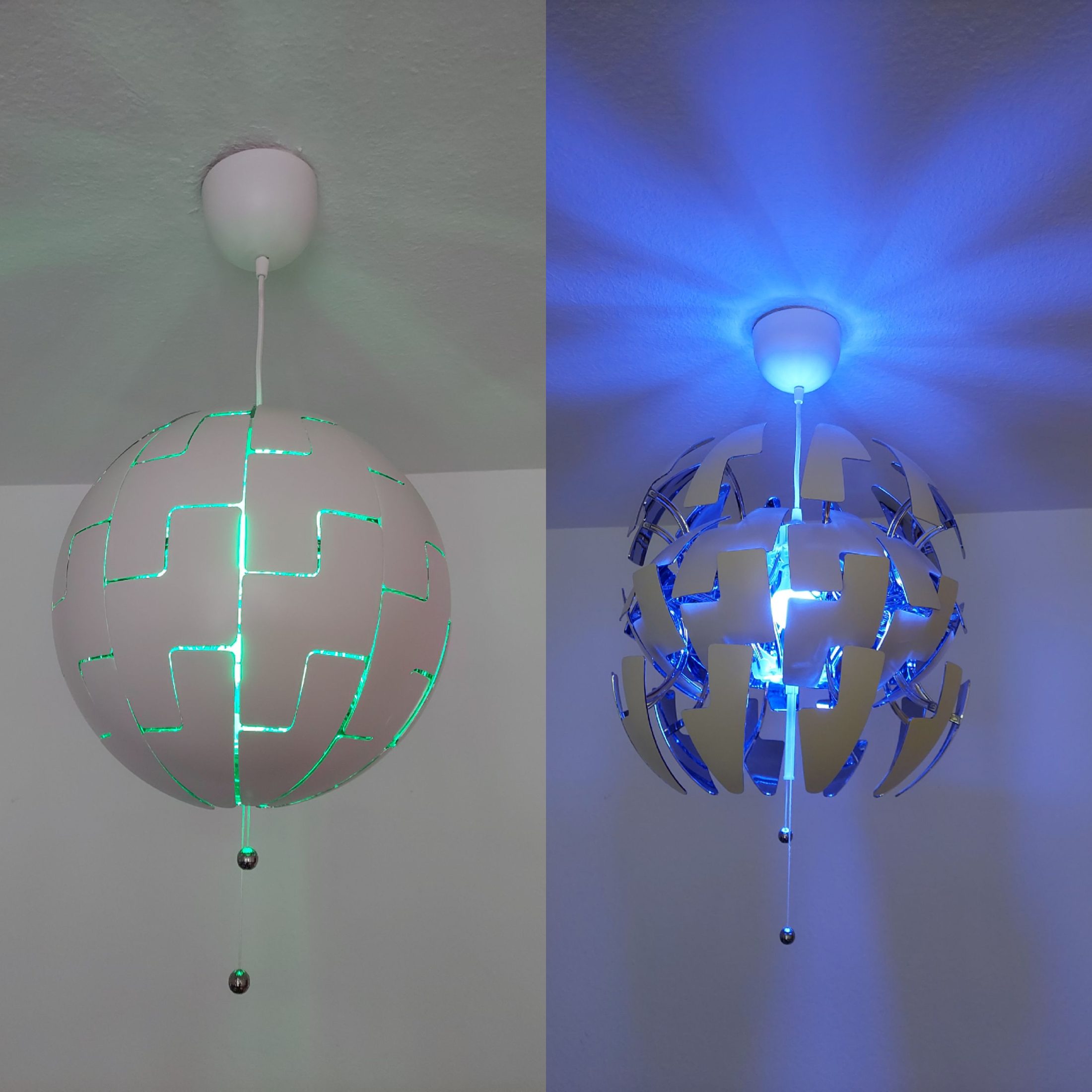
One thing I was slightly worried about with RGB bulbs was whether neutral white light would still look pleasant. Fortunately, the IKEA LEDs actually perform really well in that regard.
Switches
Inside Home Assistant, the smart bulbs can be grouped together and controlled using programmable wireless switches.
BILRESA Dual Button
We mostly use the BILRESA Dual Button, which has two configurable buttons that can trigger arbitrary Home Assistant automations. The latency is noticeable but low enough to feel responsive in daily use.
Since Home Assistant can distinguish between short presses and long holds, the buttons can also be used for dimming.
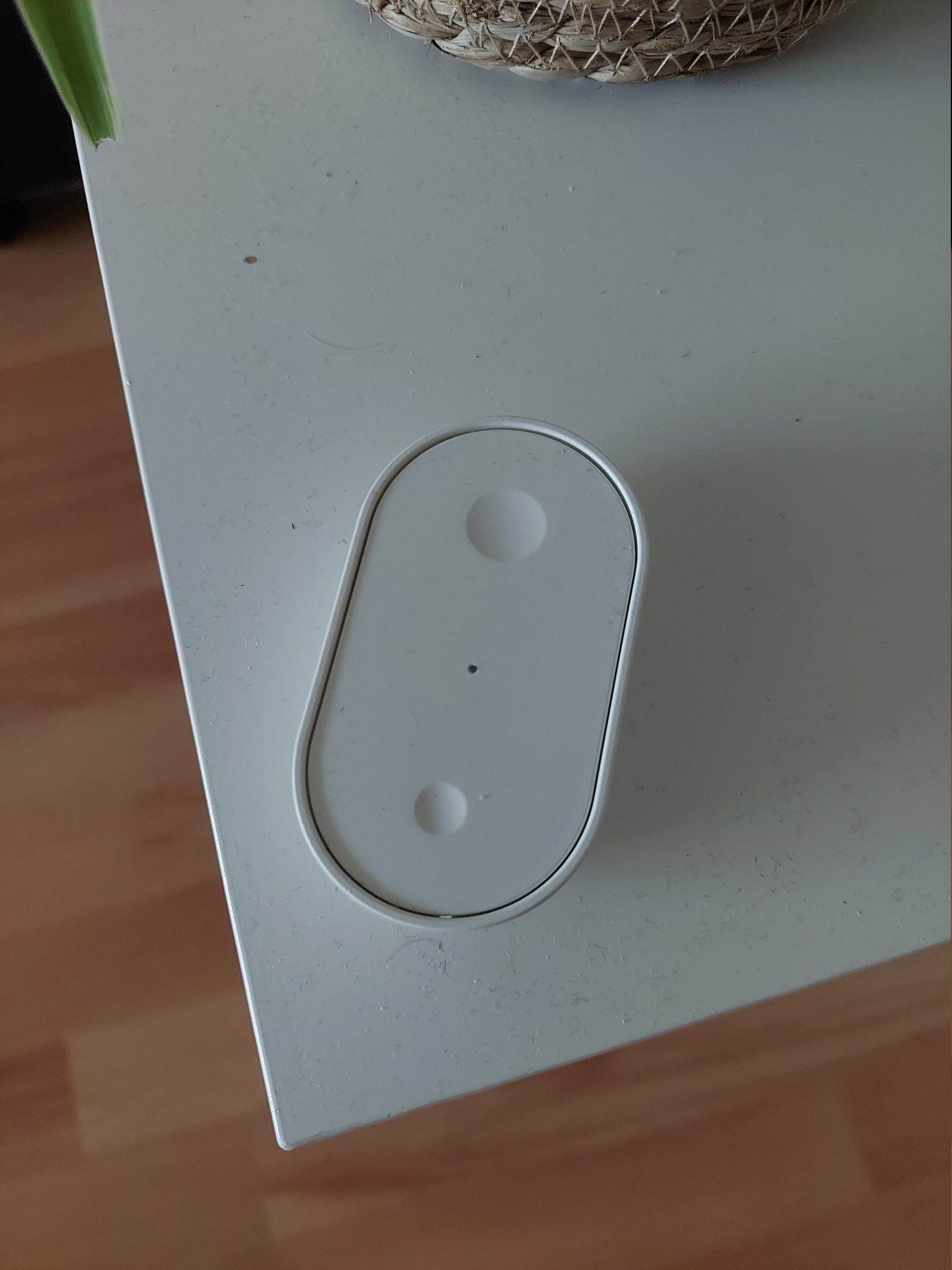
BILRESA Scroll Wheel
The BILRESA Scroll Wheel includes both a button and a rotary wheel, which in theory should make it ideal for brightness control. Unfortunately, these turned out to be noticeably less reliable.
The Home Assistant integration also feels less polished, so overall we have not been particularly happy with them.
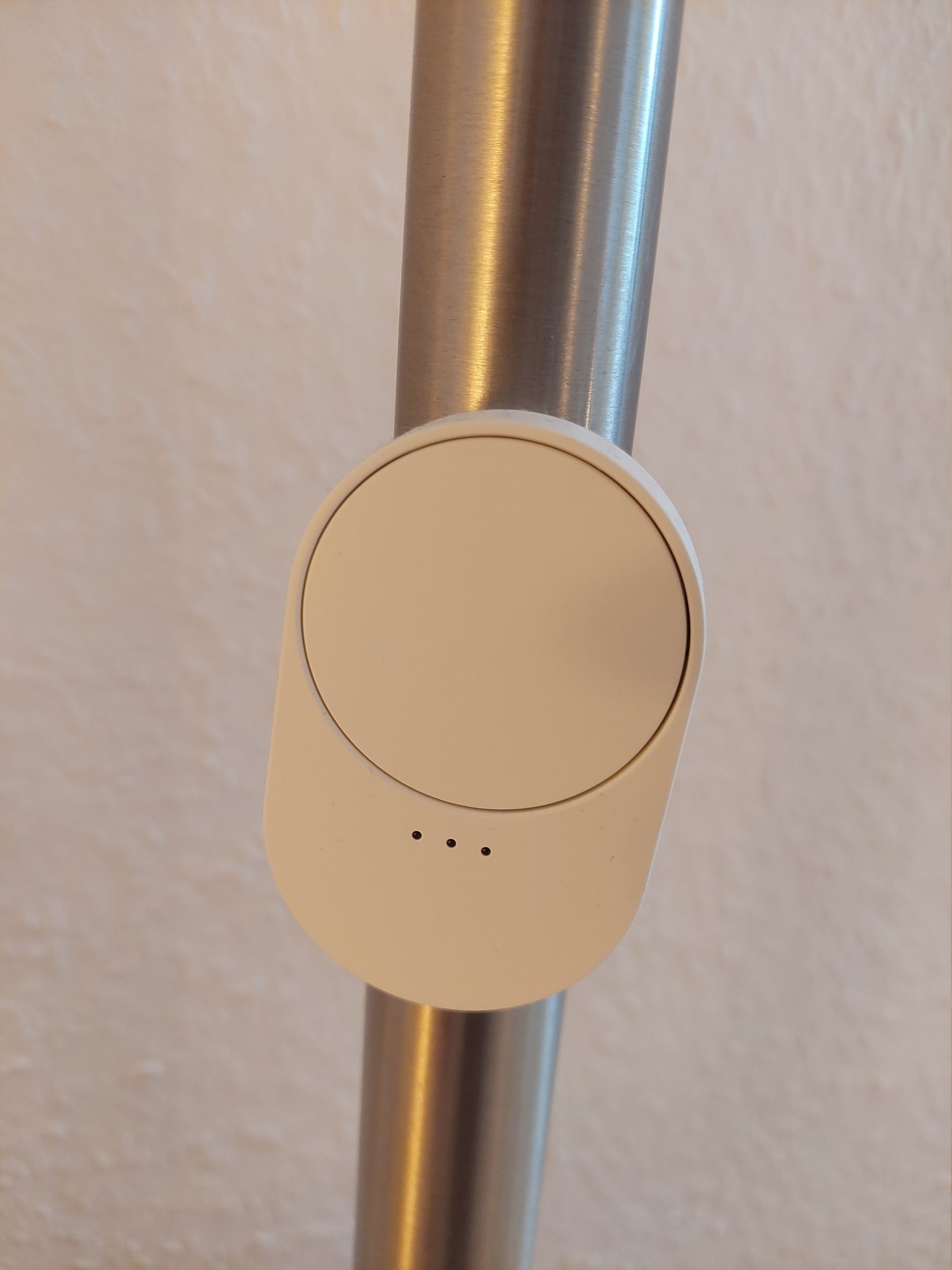
Most of IKEA's smaller Matter devices come with adhesive strips, but they also contain built-in magnets, making them easy to mount on any magnetic surface.
Motion Sensor
A smart home without unnecessary sensors would hardly be a smart home at all.
In addition to the switches, I bought a motion sensor and mounted it next to my bed. It automatically turns on the lights at the lowest brightness whenever I get up during the night.
The automation only activates after sunset and only if all lights in the room were previously turned off, which avoids accidentally triggering it during normal use.
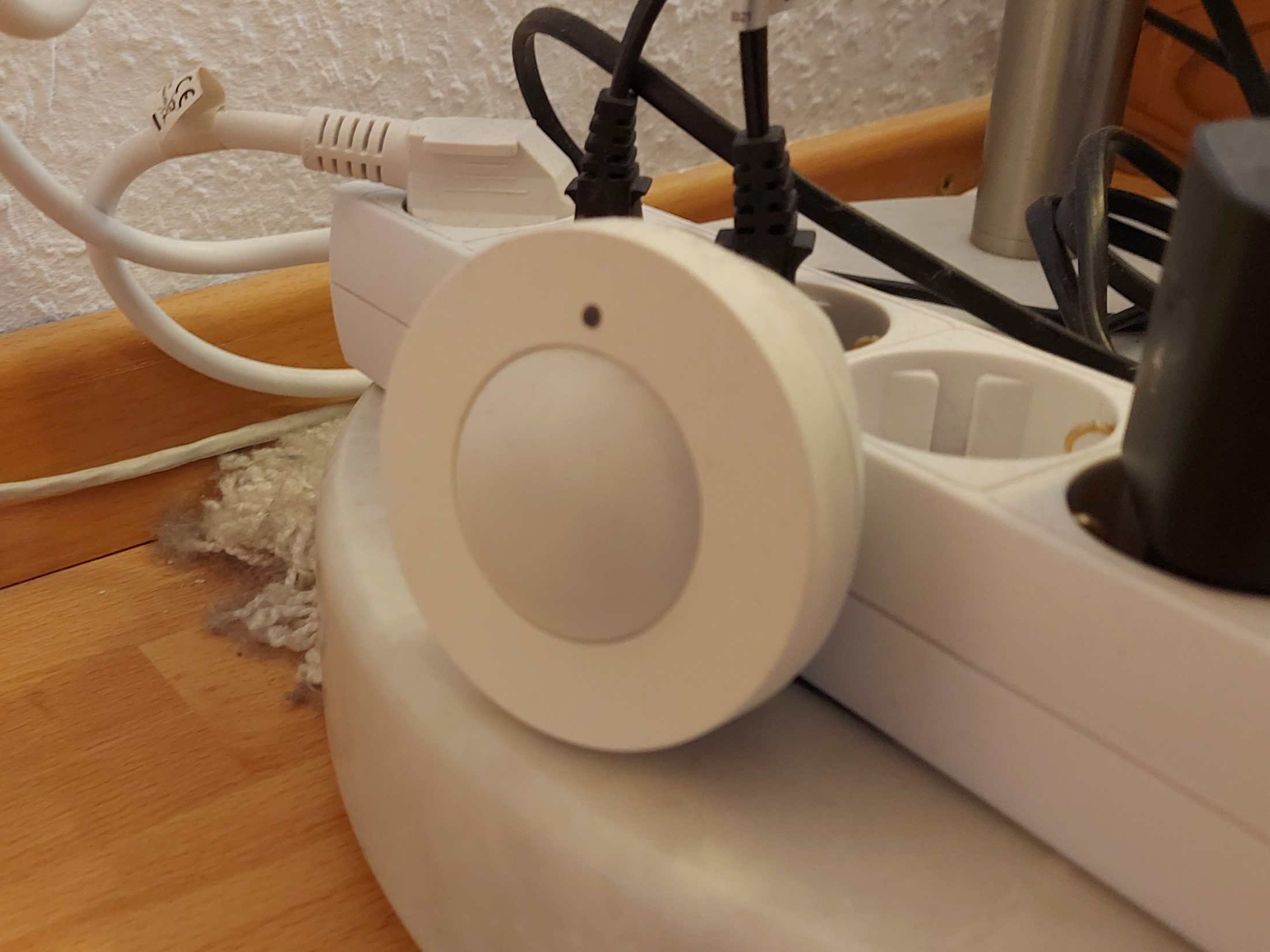
The MYGGSPRAY sensor also includes a built-in brightness sensor. Unfortunately, its readings become fairly unreliable at very low light levels, so it was not accurate enough to use on its own for this automation.
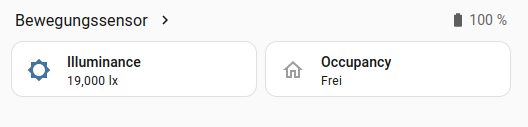
Temperature Sensor
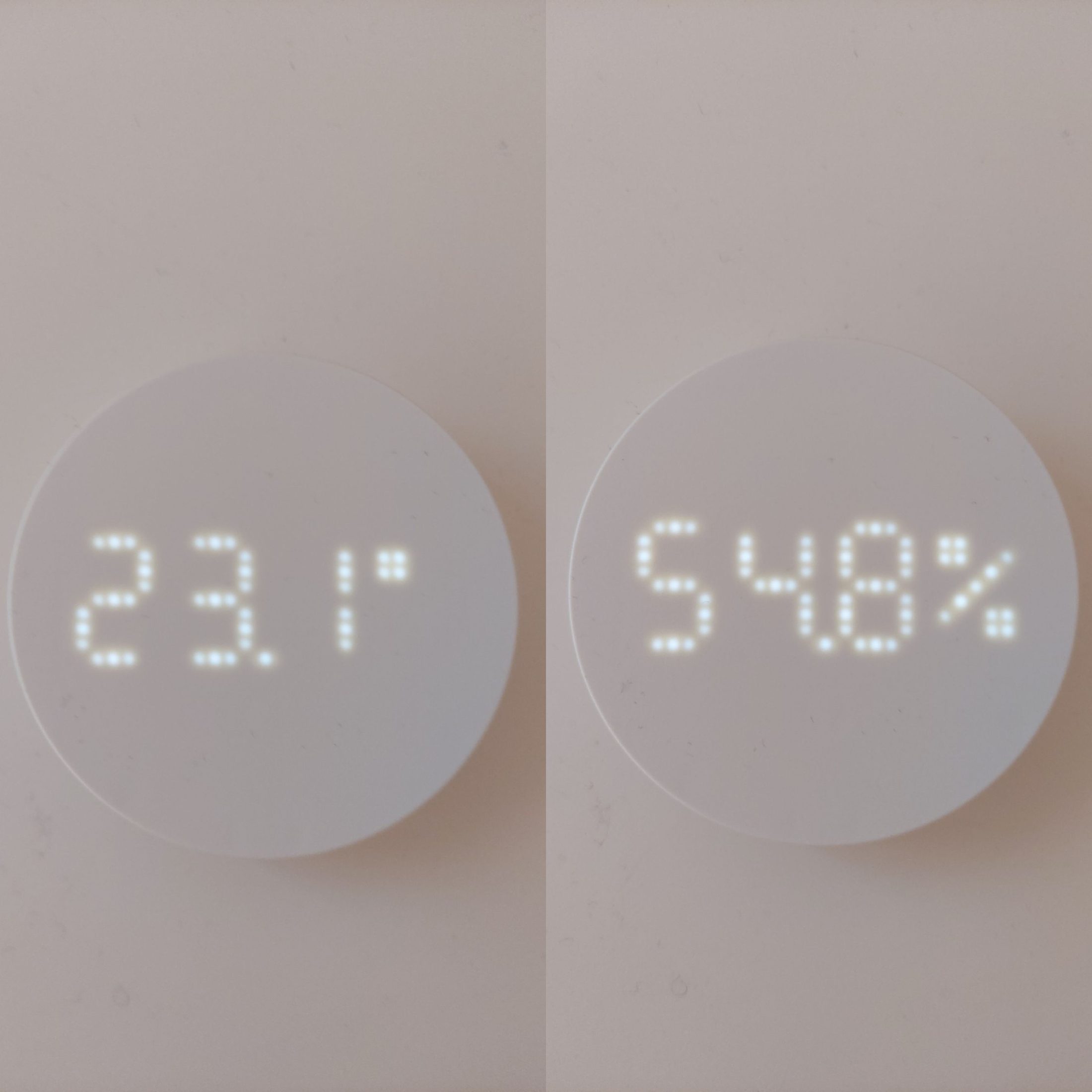
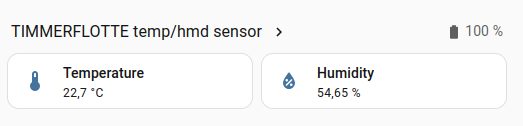
I also added a TIMMERFLOTTE temperature and humidity sensor, which integrates nicely into Home Assistant as well.
Smart Plug
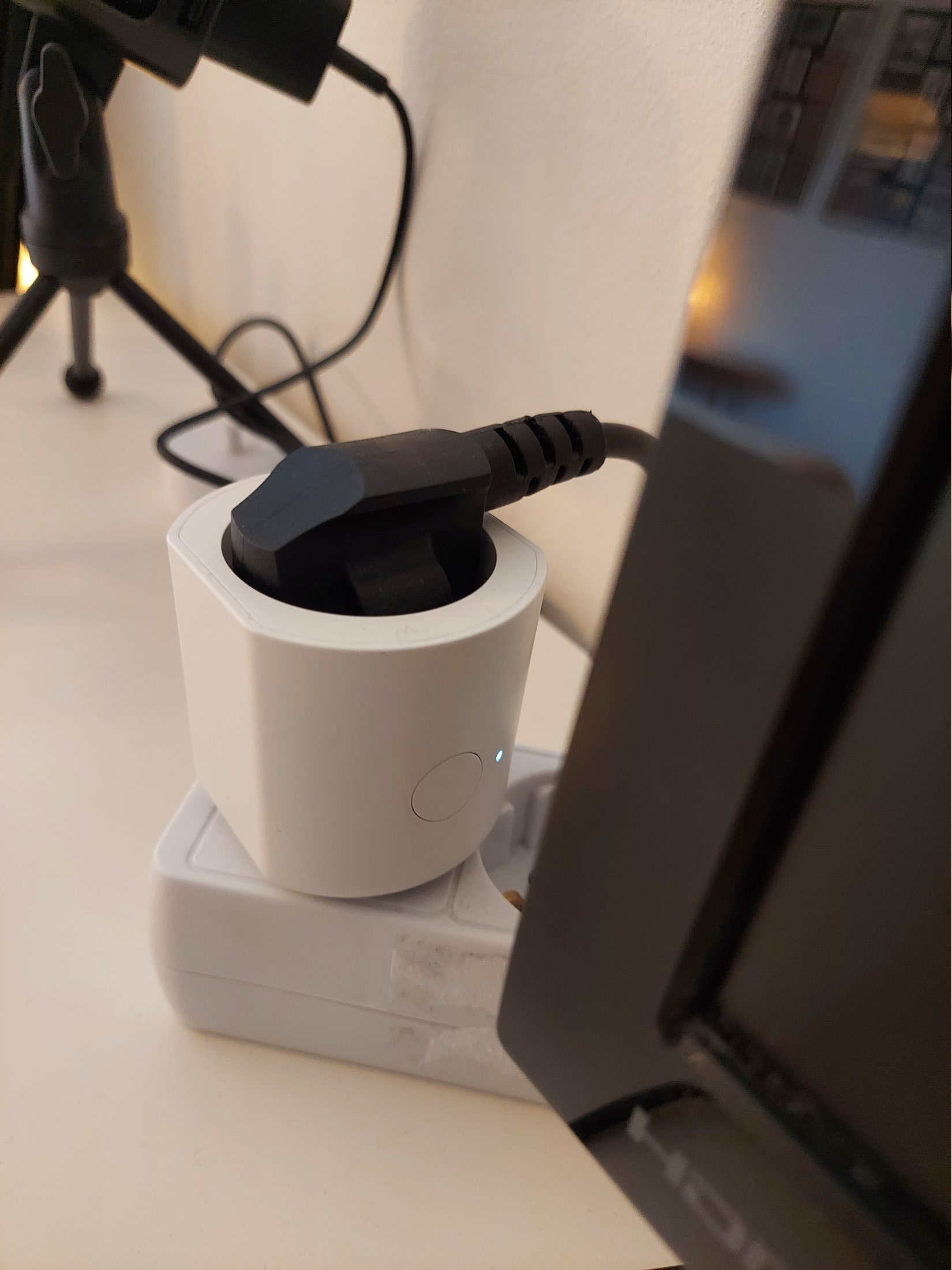
The smart plugs from IKEA's Matter lineup are especially versatile, since they can control virtually any mains-powered device.
They can be switched both through Home Assistant and manually using the physical button on the side. A small status LED also indicates whether the plug is currently active.
Managing Laptop Charging with a Smart Plug
I use an Acer laptop for university, work, and pretty much everything else, so it spends most of the day powered on. Aside from one fairly questionable repair adventure (which I wrote about in another post), it has been surprisingly reliable, and I would like to keep using it for a while longer.
I have already replaced the battery twice over the years, so I try to avoid keeping it permanently charged at 100%. Unfortunately, the laptop itself does not support charge limiting, so I decided to solve the problem externally using a smart plug.
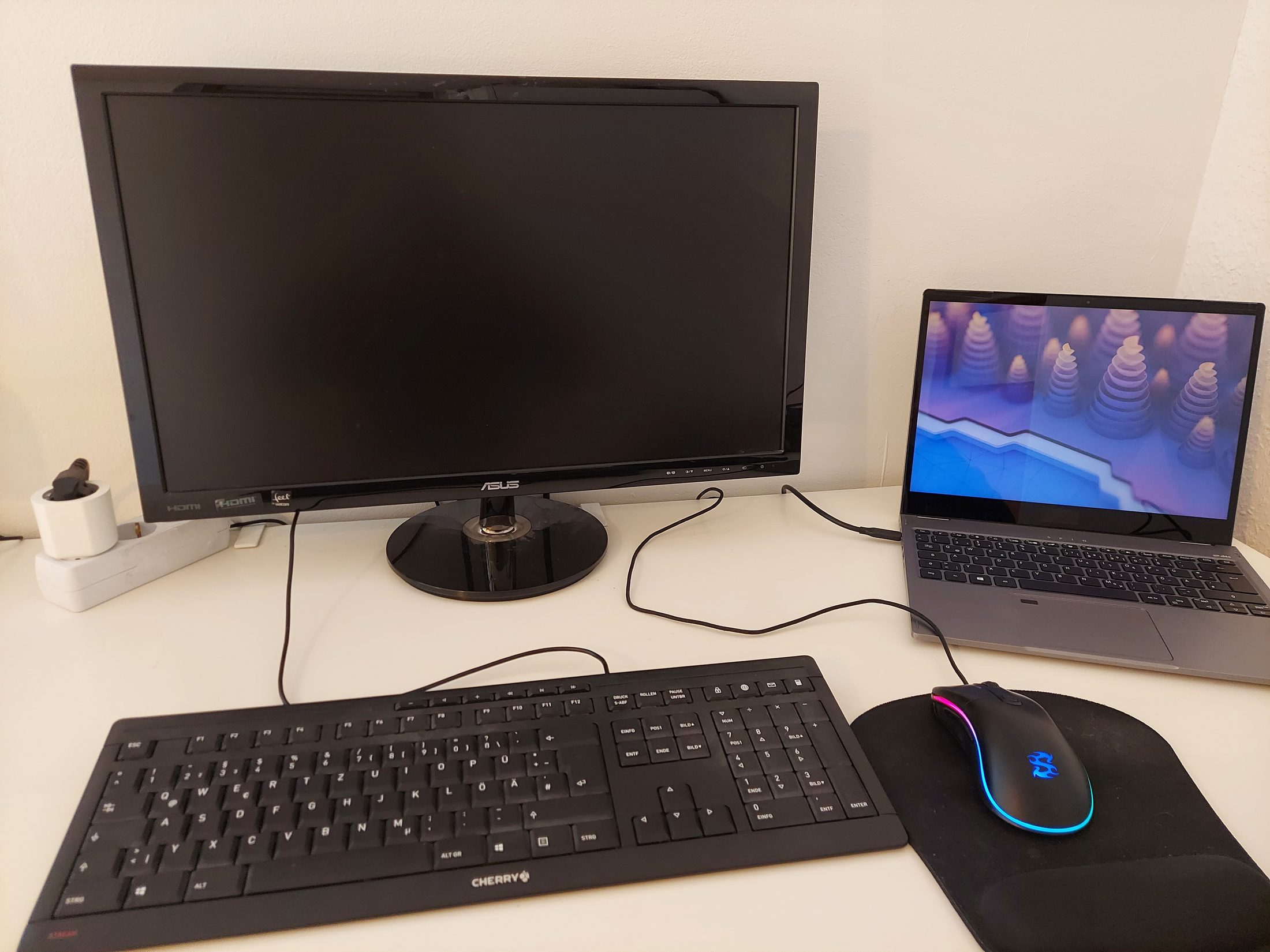
At my desk, the laptop connects through Thunderbolt to a USB hub mounted underneath the table. The setup is functional, although visually it is mostly just a large collection of cables.
The laptop charges through the dock using a USB-C power adapter. Previously, I controlled charging manually using a physical power strip switch. The charger is now connected to the smart plug instead, which can be toggled either manually or through Home Assistant.
I also found an unofficial Linux Home Assistant companion app that reports the laptop's battery status directly to Home Assistant.
This allowed me to create automations that start charging below 20% and stop charging automatically once the battery reaches 80%.
That works well while the laptop is running, but not when it is turned off, since Home Assistant can no longer read the battery percentage.
Fortunately, the smart plug also measures power consumption. After collecting some data, I noticed that the laptop consistently draws less than 5 watts once the battery is fully charged.
Based on that, I added another automation that disables the smart plug if power consumption stays below 5 watts for several minutes, preventing the laptop from sitting at 100% charge unnecessarily.
The automations themselves are defined as YAML files:
alias: Charge Laptop if empty
description: ""
triggers:
  - trigger: state
    entity_id: sensor.ejuets_laptop_power
conditions:
  - condition: template
    value_template: >
      {% set charge_now = state_attr('sensor.ejuets_laptop_power', 'charge_now')
      | float(0) %} {% set charge_full = state_attr('sensor.ejuets_laptop_power',
      'charge_full') | float(1) %} {% set battery_percent = (charge_now /
      charge_full) * 100 %}

      {{ state_attr('sensor.ejuets_laptop_power', 'status') | string | trim ==
      'Discharging'
         and battery_percent < 25 }}
actions:
  - action: switch.turn_on
    target:
      entity_id: switch.grillplats_plug_3
    data: {}
mode: single
alias: Stop Charging Laptop if Full
description: ""
triggers:
  - trigger: state
    entity_id: sensor.ejuets_laptop_power
    attribute: charge_now
  - trigger: numeric_state
    entity_id: sensor.grillplats_plug_power_3
    below: 5
    for:
      minutes: 10
conditions:
  - condition: state
    entity_id: switch.grillplats_plug_3
    state: "on"
  - condition: template
    value_template: >
      {% set status = state_attr('sensor.ejuets_laptop_power', 'status') %} {%
      set charge_now = state_attr('sensor.ejuets_laptop_power', 'charge_now') %}
      {% set charge_full = state_attr('sensor.ejuets_laptop_power',
      'charge_full') %}

      {% set laptop_online =
         status is not none and
         charge_now is not none and
         charge_full is not none
      %}

      {% set battery_percent =
         ((charge_now | float(0)) / (charge_full | float(1))) * 100
      %}

      {% set low_power =
         states('sensor.grillplats_plug_power_3') | float(999) < 5
      %}

      {{
        (laptop_online and battery_percent > 80)
        or
        low_power
      }}
actions:
  - action: switch.turn_off
    target:
      entity_id: switch.grillplats_plug_3
mode: single
This has turned out to be one of the most genuinely useful automations in the entire setup. I no longer have to think about charging the laptop or remember to disconnect it at the right time.
Conclusion
Overall, I have been very happy with the setup. Running everything locally without depending on third-party cloud services was one of the main goals, and Home Assistant has handled the IKEA Matter devices reliably so far.
I also appreciate that the lights still remain usable through normal wall switches even if the server goes offline.
There have been a few strange smart-home moments along the way, where my roommate occasionally noticed individual lights randomly turning on by themselves, but not frequently enough for us to properly investigate yet.
From what I have been told, that apparently counts as part of the authentic smart home experience.
Comments
Feel free to leave your opinion or questions in the comment section below.